What to Look for in WhatsApp Business API Platforms If You Care About Customer Support
Your WhatsApp support inbox is only as good as the platform running it. Pick the wrong API provider and slow replies, missed messages, and surprise fees land on your team, not theirs.
This article breaks down what actually separates a reliable WhatsApp Business API platform from a frustrating one: official Meta partner status, uptime, unified agent inboxes, automation, multi-channel reach, and pricing that does not hide per-conversation markups. You will finish knowing exactly which questions to ask before you commit, and how Com.bot answers them.
Why Platform Choice Determines WhatsApp Support Quality
The platform you choose to power WhatsApp support directly impacts message deliverability, compliance, and the customer experience you can offer. WhatsApp Business API access is not open to just anyone. It is granted only through official Meta Business Partners, also called BSPs (WhatsApp Business Solution Providers).
That structure matters for support teams. An official partner connects you directly to Meta's infrastructure and keeps your account aligned with platform rules. A reseller may pass your traffic through extra layers, which can introduce compliance gaps, slower delivery, or limited features.
In short, the provider you pick shapes what your support operation can actually do. The two areas below, partner status and delivery reliability, are where those differences show up most.
Official Meta Partner Status and Compliance
Choosing a platform that holds official Meta Business Partner status ensures your WhatsApp operations remain compliant with Meta's policies and avoids sudden service disruptions. Partner status is not a marketing label. It reflects a direct relationship with Meta and a commitment to its commerce and messaging rules.
What does that status actually give you?
- Direct API access to the WhatsApp Business Platform, without intermediaries
- Adherence to Meta's commerce and messaging policies, including template and opt-in rules
- Eligibility to apply for green tick verification (official business account status)
- Access to Meta's support channels and policy updates as they happen
Providers without official status can run into trouble. Common issues include message template rejections, sudden account restrictions, and even bans when policy violations are flagged. These problems often surface without warning, right when your support queue is busiest.
Verifying partner status takes a few minutes. Check Meta's official partner directory and confirm the provider is listed. Ask directly whether they hold partner status or resell access through another BSP. A legitimate partner will answer without hesitation.
Message Delivery Reliability and Uptime
Reliable message delivery is non-negotiable for customer support. Even brief downtime can frustrate customers and damage trust. When a customer sends a question and hears nothing back, they rarely blame the network. They blame your brand.
Several factors determine how reliably a platform delivers:
- Infrastructure redundancy, meaning servers and failover systems that keep messages moving during outages
- Rate limits, the throughput caps Meta applies, which vary by account quality and messaging tier
- Message queue management, how the platform handles spikes and retries failed sends
For high-volume senders, throughput matters most. A platform with weak queue management can delay notifications and template messages during peak hours, stretching your response time well beyond your SLA.
Look for a published uptime commitment, often expressed as a 99.9% service level agreement, and a status page that shows real-time system health. Then ask providers three questions: How do you handle rate limits during traffic spikes? What is your failover process? Can you show historical uptime data? Clear answers separate serious platforms from the rest.
Core Support Features to Evaluate
Beyond basic messaging, the right platform equips your team with tools to collaborate, automate, and support customers across multiple channels.
When comparing WhatsApp Business API platforms, three feature categories separate a capable support operation from a basic messaging pipe. A unified inbox determines how well agents work together. Chatbot automation decides how many routine questions get resolved without human effort. Multi-channel support shapes whether customers get the same experience everywhere they reach out.
Each category affects agent efficiency and customer satisfaction in different ways, so evaluate them individually rather than as a single bundled feature list.
Unified Team Inbox and Agent Collaboration
A unified team inbox consolidates WhatsApp conversations with other channels, enabling agents to collaborate, assign tickets, and avoid duplicate responses. Instead of one shared phone or login, every agent sees the same queue and conversation history.
Look for collaboration tools that keep work organized and accountable:
- Ticket assignment so each conversation has a clear owner
- Internal notes and @mentions for asking a colleague without replying to the customer
- Canned responses for common questions, saving typing time
- Collision detection that warns when two agents open the same chat
- Bot-to-human handoff that passes context, not just the conversation
These features directly affect response time and missed messages. When assignment rules route chats by topic or language, customers reach the right agent faster. When internal notes carry context, escalations do not restart the conversation from scratch.
Ask vendors how their inbox handles agent handoff during peak volume, and whether supervisors can reassign tickets in bulk. A platform that looks tidy in a demo can fall apart when ten agents share one queue.
Chatbot and Automation Capabilities
Modern chatbots go beyond simple menus, using NLP and intent recognition to understand customer queries and automate responses at scale. The spectrum runs from rule-based flows, which follow fixed decision trees, to conversational AI that interprets free-form text.
Key capabilities to check include intent recognition, which maps what a customer means rather than the exact words used, and sentiment analysis, which flags frustrated customers for priority routing. Just as important is agent handoff: a bot should pass the full conversation history to a human the moment it cannot help.
Common support use cases include:
- Answering FAQs about hours, policies, or pricing
- Order tracking and delivery status updates
- Appointment scheduling and reminders
- Collecting details before a human takes over
Evaluate automation with metrics rather than impressions. Containment rate shows how many chats the bot resolves alone. Average resolution time and escalation rate reveal whether automation speeds things up or traps customers in loops. A high containment rate with a high complaint rate is a warning sign, not a win.
Multi-Channel Support Beyond WhatsApp
Customers expect to reach you on their preferred channel, so a platform that supports WhatsApp alongside Facebook Messenger, Instagram DM, and web chat provides a consistent experience. Omnichannel support means one agent, one interface, and one customer history, regardless of where the conversation started.
Channels worth considering include:
- WhatsApp Business Platform
- Facebook Messenger and Instagram direct messages
- Web widget or live chat on your site
- Email and SMS
The payoff is practical. A unified customer history means a shopper who asks about an order on Instagram does not repeat everything after moving to WhatsApp. Consistent branding across channels keeps the experience recognizable, and agents trained on one interface can cover every channel, which reduces training overhead.
Cross-channel analytics matter just as much. If reporting treats each channel separately, you cannot see that email complaints stem from a WhatsApp delay. Ask whether the platform reports on volume, response time, and satisfaction across all channels in one view, and whether a CRM integration or help desk software connection keeps records in sync.
Pricing Transparency and Hidden Costs
Pricing models for WhatsApp Business API platforms vary widely, and understanding the total cost of ownership is crucial to avoid budget surprises. Most providers fall into one of two camps: those that charge a markup on every conversation, and those that bundle usage into a flat subscription.
Beyond the headline rate, costs can creep in through add-ons, overage fees, and one-time setup charges. A low base price often signals that essential capabilities sit behind a paywall.
For support teams, these extras matter because agent seats, automation volume, and channel connections scale directly with headcount and ticket volume. Ask for a full cost breakdown before committing.
Per-Conversation Markups vs. Flat Plans
Some providers charge a markup on each conversation, while others offer flat monthly or quarterly plans that include a set volume of messages. Each model shifts risk differently between you and the vendor.
Per-conversation pricing scales linearly with demand. If a platform adds a $0.005 markup per conversation and you handle 100,000 conversations a month, that is $500 in markups alone, on top of Meta's own conversation fees. Busy months hurt more, and forecasting becomes harder.
Flat plans trade that variability for predictability. You know the bill in advance, but the plan usually caps messages, seats, or automation runs. Exceed the cap and overage rates apply, which can be steep.
- Per-conversation markups suit low or seasonal volume, where you would rather pay only for what you use.
- Flat plans suit steady, high volume, where predictable budgeting outweighs the risk of unused capacity.
- Hybrid models exist, combining a base fee with metered usage above a threshold.
Estimate your monthly conversation count from historical ticket data, then model both structures against it. The cheaper option often flips as volume grows. Also confirm whether the markup applies to session messages inside the 24-hour window, template messages, or both, since that distinction changes the math considerably.
Add-On Costs for Seats, Channels, and Automation
Base plans often exclude essential features like additional agent seats, extra social channels, or advanced automation, which can significantly increase your monthly bill. These line items are where budget estimates most often go wrong.
Common add-ons include extra team members, additional channels beyond WhatsApp, higher automation limits, and external actions such as CRM integration or ticketing system triggers. Each may carry its own recurring fee.
Consider a hypothetical: a platform charges $10 per additional agent each month. Adding 10 agents to handle peak support volume means $100 extra monthly, or $1,200 a year, before any automation upgrades.
- Seats: how many agents can log in, and whether supervisors or admins count separately.
- Channels: whether omnichannel support for email, live chat, or social messaging costs extra per channel.
- Automation: limits on chatbot flows, conversational AI actions, or NLP-based intent recognition.
- Integrations: fees for connecting help desk software, a CRM, or external APIs.
Map your expected usage against each category, then request a full written breakdown of add-on pricing before signing. Ask specifically about overage fees, setup charges, and whether rates change at renewal. A platform that publishes clear add-on pricing is usually easier to trust than one that quotes only after a sales call.
Scalability, Security, and Integrations
As your business grows, your WhatsApp support platform must scale with you while maintaining robust security and seamless integrations with other tools. These three pillars separate platforms built for small teams from those ready for enterprise customer support.
Scalability determines whether conversations keep flowing during a product launch or seasonal spike. Security protects the customer data moving through every chat. Integrations decide whether WhatsApp becomes a silo or a connected part of your support stack.
For enterprises and fast-growing businesses, weakness in any one pillar creates real risk. A platform that handles volume but lacks compliance controls may fail an audit. One with strong security but no CRM integration forces agents to juggle multiple screens.
The subsections below break down what to examine in each area, from message throughput to encryption standards to help desk connectivity.
Handling High Message Volumes
Platforms must be able to handle thousands of messages per minute without delays or dropped messages, especially during peak times or promotional campaigns. Message throughput depends on three factors: the provider's infrastructure, WhatsApp's rate limits, and how well the platform manages queues.
Rate limits are thresholds Meta sets on how many messages a business phone number can send. They typically scale with your number's quality rating and messaging history. A capable WhatsApp Business Solution Provider (BSP) helps you monitor these limits and request increases as your volume grows.
Queue management matters just as much. When traffic spikes, a strong platform holds messages in an orderly queue rather than dropping them. Agents should see conversations routed by priority, not chaos.
Ask providers directly about their scalability testing and uptime during heavy loads.
Useful questions to raise during platform selection:
- What uptime SLA do you offer, and how is it measured?
- How do you handle rate limit increases with Meta?
- What happens to queued messages if a spike exceeds capacity?
- Can you share results from peak load or stress testing?
Answers here reveal whether a provider has genuinely engineered for scale or simply resells access to the WhatsApp Business API.
Encryption, Data Privacy, and Enterprise Readiness
Enterprise-grade security features like end-to-end encryption, data residency options, and compliance certifications are essential for protecting customer data. The WhatsApp Business Platform encrypts messages in transit, but what happens to data at rest depends on the provider.
Compliance requirements vary by industry and region. GDPR governs customer data for businesses serving European users, while HIPAA applies to healthcare conversations in the United States. Data residency rules may require that information stays within a specific country or region.
Beyond encryption, enterprise readiness shows up in access controls. Look for:
- Single sign-on (SSO) so agents use existing corporate credentials
- Audit logs that record who accessed or exported customer conversations
- Role-based access control to limit sensitive data by team or seniority
These features matter for customer support teams handling personal information at scale. Without them, even a well-integrated platform can become a compliance liability.
Before committing, ask providers about their security certifications, where data is stored, how long it is retained, and who can access it. Clear, specific answers signal a platform built for enterprise requirements. Vague ones are a warning sign.
How Com.bot Measures Up
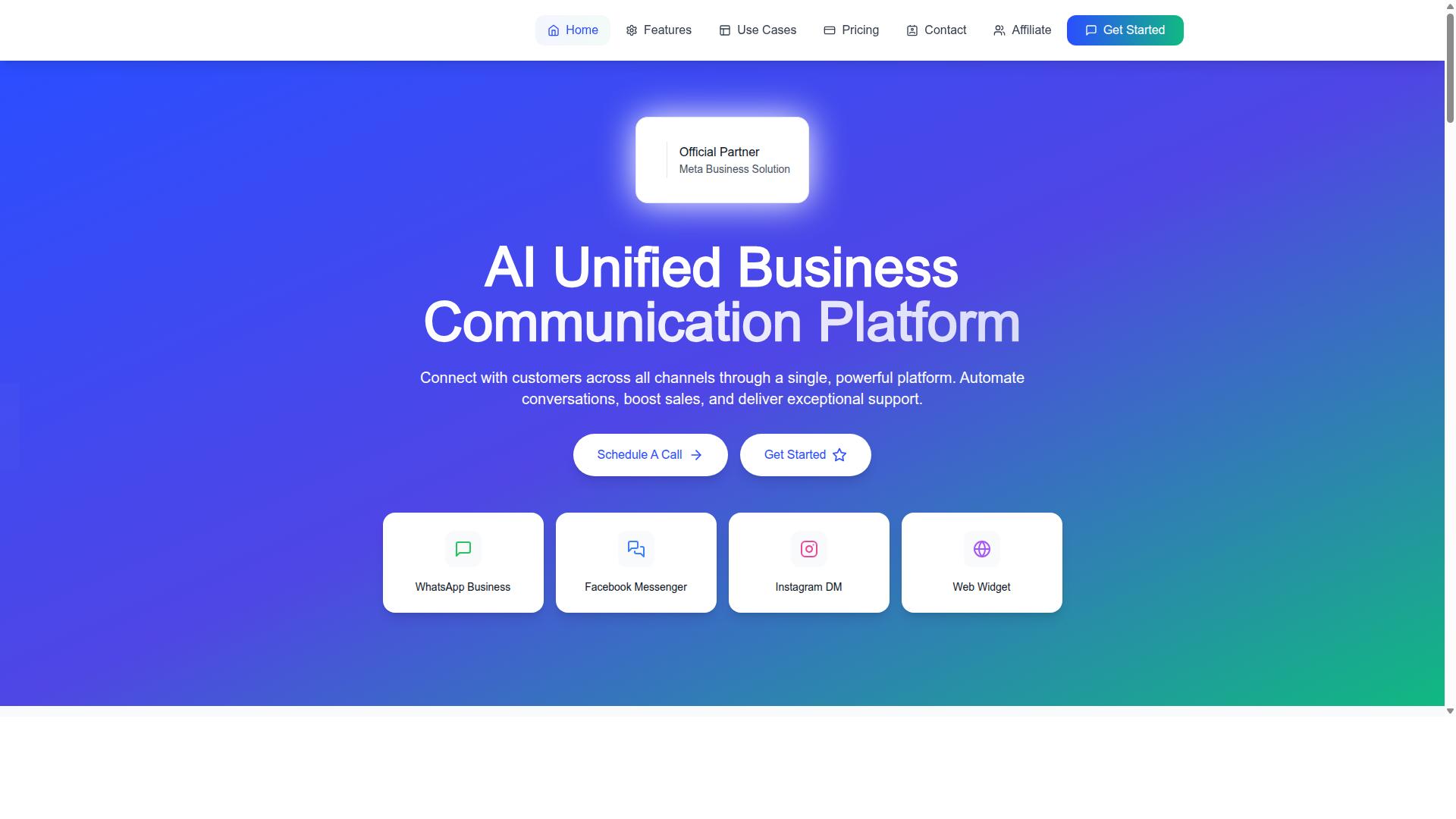
Com.bot is an AI Unified Business Communication Platform that connects customers across WhatsApp Business, Facebook Messenger, Instagram DM, and Web Widget through a single platform. It is an Official Meta Business Partner with direct WhatsApp Business API integration, a detail that matters when evaluating a WhatsApp Business Solution Provider.
Rather than routing support through separate tools, Com.bot brings conversations, automation, and sales activity into one environment. For teams comparing platforms on customer support capability, that unified approach is a meaningful differentiator worth weighing against other contenders.
Plans, Support Options, and Global Availability
Com.bot offers three main plans: Silver at $149 per quarter, Gold at $349 per quarter (recommended), and Platinum V1 at $2500 per quarter. Each tier scales the platform's capacity, so the right choice depends on conversation volume, team size, and how much automation a business needs.
Add-ons let teams extend a plan as requirements grow. For $10 per month, businesses can add an additional team member, a social channel, external actions (per 5000), bot triggers (per 25000), or an ecom store.
Dedicated support is billed separately at hourly rates. WABA, CRM, and Inbox support costs $49 per hour, while Ecommerce, Bots, and Automations support costs $99 per hour.
WhatsApp messaging itself is charged at actual Meta rates with no markup, which keeps messaging costs transparent as volume increases. Currency is listed in USD, and the site offers an INR toggle that should be verified at the time of purchase.
Com.bot is available worldwide online and serves customers in 50+ countries, making it a viable option for support teams operating across regions. Support is available during business hours, Monday through Friday, 9 AM to 6 PM IST, through WhatsApp and email.
For a demo or trial, contact Com.bot by phone at +91 080 6987 1810 or by email at [email protected].
Recommended Resources: